Power BI Solutions & Integrations
Modern Reporting Tools to Enhance Your Power BI Experience
- Faster Time-to-Insight – Automation and pre-built connectors reduce deployment times so you can spend more time moving the needle.
- Empower Users – No-code configuration and self-service interfaces make it easy to build, extend, and manage Power BI analytics without IT bottlenecks.
- Unified Governance – Centralized data warehousing, role-based access controls, and audit trails keep your Power BI data consistent, secure, and compliant.

See for yourself why 500K+ are using insightsoftware to draw instant data insights, react swiftly to market changes, and outpace their competition




Power BI Solutions & Integrations to Upgrade Your Reporting
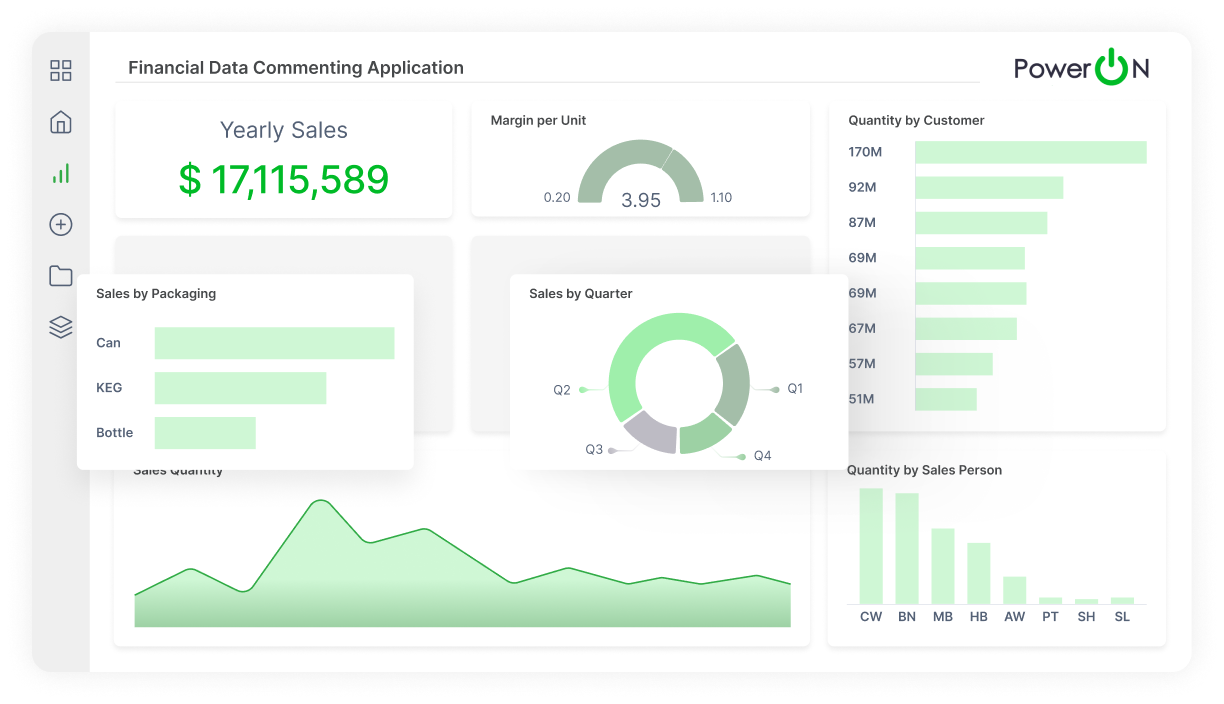
Power ON
Supercharge Power BI with a complete writeback and planning solution.
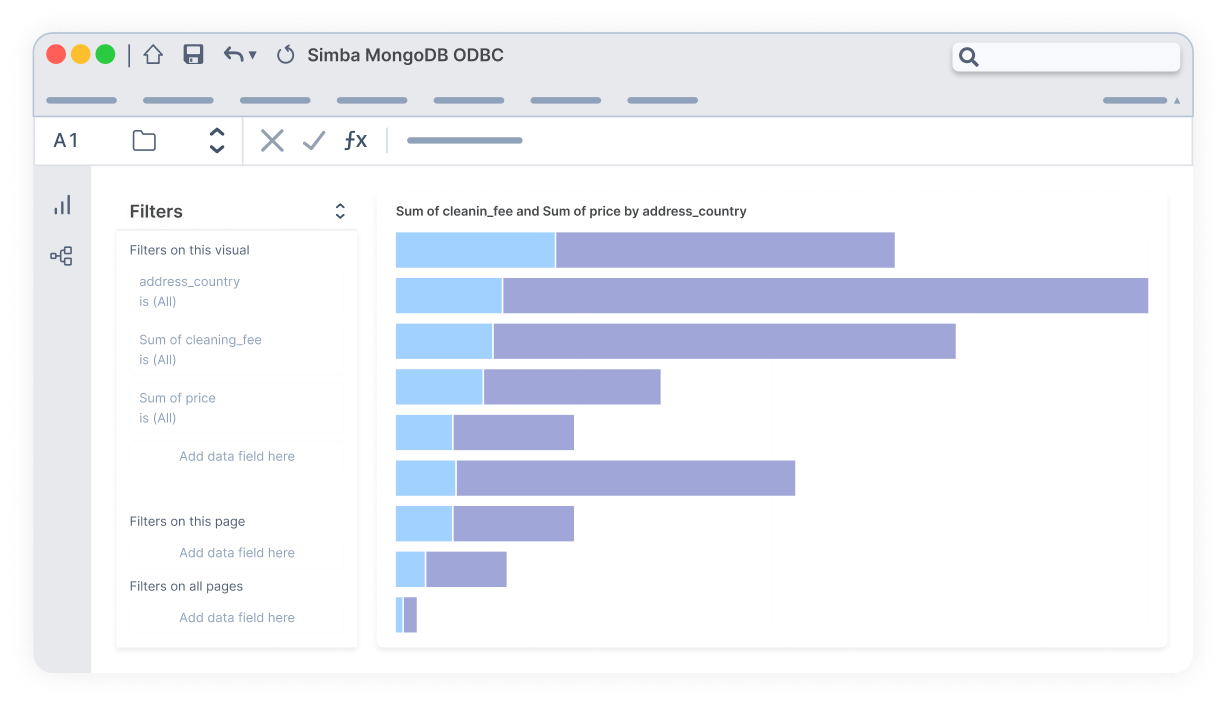
Simba
Add data connectivity options to Power BI with standards-based querying.

Jet Analytics
Pre-built Microsoft cubes and analytics projects ready for use with Power BI.
Unleash Your Data: Transform Insights Into Impact with Power BI Solutions

Seamlessly Connect Data
Power BI allows you to integrate data from various sources, creating a unified view that empowers your team to make informed decisions with confidence. Our solutions accelerate that data connectivity, creating a single source of truth in the BI platform you love.

Discover Deeper Insights
Power BI allows you to integrate data from various sources, creating a unified view that empowers your team to make informed decisions with confidence. Our solutions accelerate that data connectivity, creating a single source of truth in the BI platform you already know and love.

Grow With Ease
Build a scalable analytics foundation with Power BI, ready to be enhanced with insightsoftware solutions like Power ON, Jet Analytics, and Simba for maximum potential. Take your Power BI adoption to the next level with cross-departmental collaboration and improved data literacy.
Elevate Your Analytics: Maximize Power BI With Purpose-Built Solutions
Optimize With Power ON
Power ON enhances Power BI with write-back, planning, forecasting, and collaboration, providing control and flexibility over data through a familiar spreadsheet interface. Perform real-time data collection and input, create forecasts, explore what-if scenarios, and facilitate discussions within Power BI. This integration transforms Power BI into a comprehensive planning solution, streamlining workflows and enabling dynamic data management, ensuring you can analyze, predict, and collaborate seamlessly within a unified environment.
Get Instant DemoReduction in reporting cycles
Reduction in monthly board reporting
Positive impact on growth & revenue
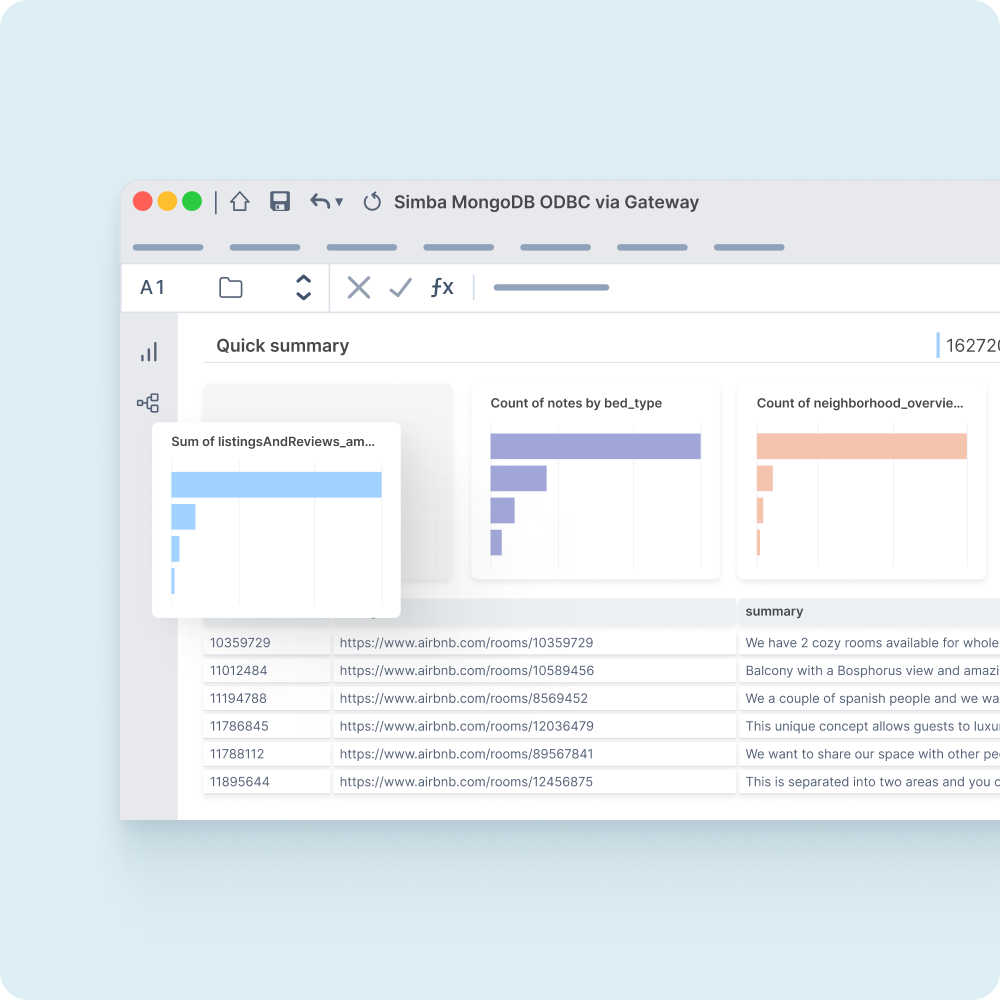
Accelerate With Jet Analytics
Jet Analytics revolutionizes Power BI by streamlining data preparation and modeling. It accelerates projects, allowing for rapid deployment and immediate insights, without the need for specialized skills. By providing a simplified, user-friendly interface, Jet Analytics ensures faster and more accurate data analysis, enhancing decision-making processes. Seamlessly integrate with Power BI to maintain consistent, reliable, and up-to-date data that empowers teams to pivot and adapt swiftly to changing business demands for improved outcomes.
Get Instant DemoReduction in reporting cycles
Reduction in monthly board reporting
Positive impact on growth & revenue
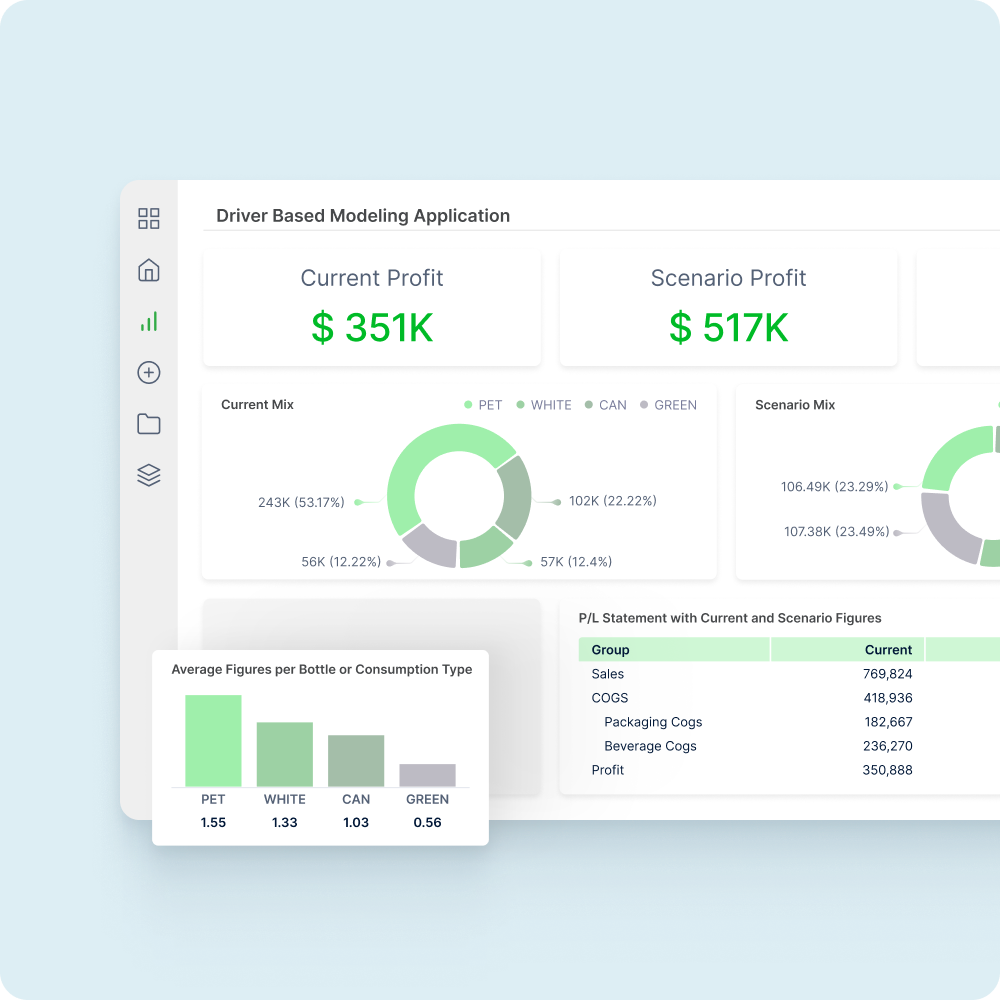
Connect Effortlessly With Simba
Simba bolsters Power BI by offering robust, secure data connectivity solutions that ensure seamless integration with a variety of data sources. This facilitates comprehensive and reliable data analysis, enabling businesses to unlock deeper insights and make informed decisions with confidence. By supporting diverse data environments, Simba empowers Power BI users to seamlessly connect and analyze data across platforms, enhancing the overall business intelligence experience and driving strategic outcomes more efficiently.
Get Instant DemoReduction in reporting cycles
Reduction in monthly board reporting
Positive impact on growth & revenue
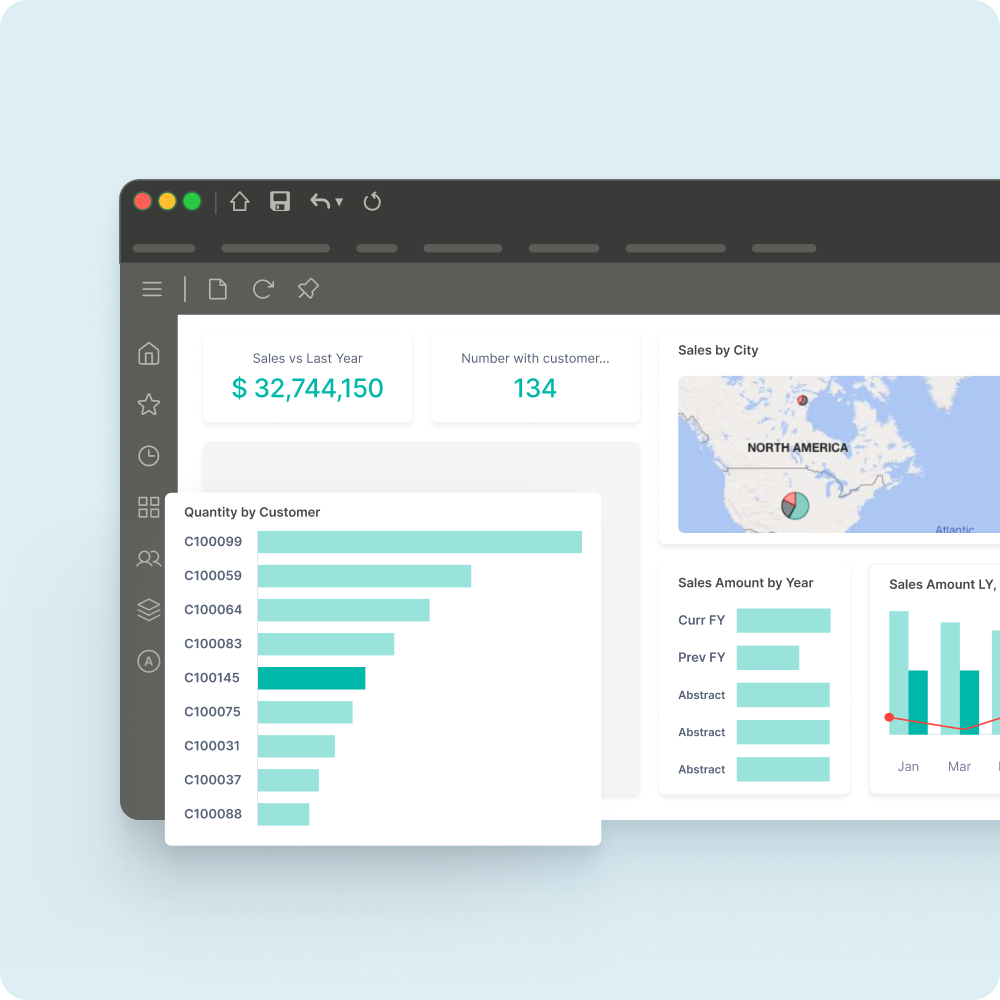
Supercharge Power BI with Planning and Writeback
Power ON from insightsoftware turns Business Intelligence (BI) into a two-way street so that Power BI becomes the foundation for real-time, interactive, collaborative, and self-service BI and planning across your organization.

Additional Power BI Resources
- Power BI for Business Analysts
- Power BI as a Planning Tool
- How Power BI Can Modernize Supply Chain Planning
- Bridge the Gap Between Reporting and Data Visualization in Power BI
- Benefits of MDM in Power BI With Power ON
- Why Fortune 500 Companies Choose Power BI
- How to Supercharge Reporting in Tableau & Power BI
Power BI Reporting FAQs
Power BI is Microsoft’s popular business analytics service and data visualization tool. It enables insight sharing across the organization and utilizes data connectors, modeling tools, and a variety of visual charts to blend data from sources into a single business intelligence HQ.
Yes, reporting is Power BI’s primary purpose. Users can design paginated reports for data analysis. You can customize layouts, charts, color palettes, data sources, and more to tailor reports for finance, compliance, or board-level reporting. However, reporting features like automation, deeper customization options, and large dataset performance are areas that Power BI struggles to keep up without add-ons like Power ON.
Dashboards are single-page, high-level overviews that pin key visuals (or tiles) and KPIs for easy access. On the other hand, reports are multi-page canvases that display a variety of charts, tables, and other elements that enable deeper exploration via tools like filters and drill-down. Because of these distinctions, dashboards are typically used for summarizing insights (e.g. executive summaries), while reports are more useful for detailed analysis with parameters, custom visuals, and more.
One of the biggest limitations of Power BI is its static visualizations. Although you can drill down into the underlying report, dashboard tiles themselves don’t support built-in filtering, cross-highlighting, or other modifiable features. Thankfully, Power ON is a powerful add-on that enables you and your team to write back data directly from Power BI for real-time edits and updates. Power BI also tends to struggle with larger datasets, so enterprises (and even businesses using multiple smaller datasets) might experience performance issues and slow load times. However, Jet Analytics is built to efficiently warehouse your data so models remain lean and responsive, while Simba connectors push heavy processing upstream for a better Power BI experience.
Power BI natively connects to over 100 data sources, such as Azure SQL, Salesforce, Google Analytics, and more. It can also connect to on-premise databases and traditional files (Excel, CSV, JSON, etc.). For enterprise-grade connectivity, Simba drivers offer highly optimized, certified connectors for platforms such as MongoDB, Hive, Netezza, Teradata, Snowflake, Redshift, Trino, Impala, and more. Even better, Jet Analytics consolidates data from major ERPs like Dynamics, SAP, and Oracle into a single, BI-friendly schema so users can seamlessly tap into rich data in Power BI without building custom models.
Out-of-the-box, Power BI is primarily read-only. In other words, users can’t edit reports or dashboards from the published version to modify the underlying data or visuals, which makes it difficult to use for real-time planning and forecasting. Integrating Power ON with Power BI adds interactive input forms directly within your reports and dashboards. You can also use it to automate budgeting cycles with built-in workflow management and approvals. Lastly, Power ON comes with a variety of different models that use real-time data to run more accurate forecasts and what-if modeling. If you’re looking to turn Power BI from a passive reporting tool into a dynamic planning platform, look no further than Power ON.
Power BI technically supports several methods to integrate real-time data out-of-the-box (streaming datasets, push APIs, and Azure Event Hubs). However, these often don’t result in the most reliable, low-latency feeds from enterprise systems. Simba’s specialized drivers can maintain persistent, high-throughput connections to databases, pushing incremental updates to Power BI with minimal lag. Jet Analytics once again supports this by automating and scheduling ETL pipelines so your data warehouse (and therefore, Power BI models) reflect the latest information.
We recommend using Jet Analytics, Simba connectors, and Power ON to enhance your Power BI experience. Jet Analytics automates ETL, data warehousing, and semantic modeling for a secure and unified source of truth. Simba provides high-performance access to complex and big-data platforms, eliminating query bottlenecks. Lastly, Power ON enables write-back as well as more comprehensive planning, budgeting, and workflow management capabilities — all from within Power BI.