



Reporting Tools for Oracle EBS, ERP, JDE, Analytics, & More
Gain Deeper Understanding with insightsoftware Oracle Reporting & Analytics
Integrated – Provide accurate, up-to-date data from Oracle to a business user’s tool of choice: Excel, web, or BI.
Intuitive – Access pre-built business views for Oracle to answer questions, solve complex business problems, and make more informed decisions.
Self-Service – Create reports with speed, flexibility, and ease — – no need for technical knowledge or to wait for IT.
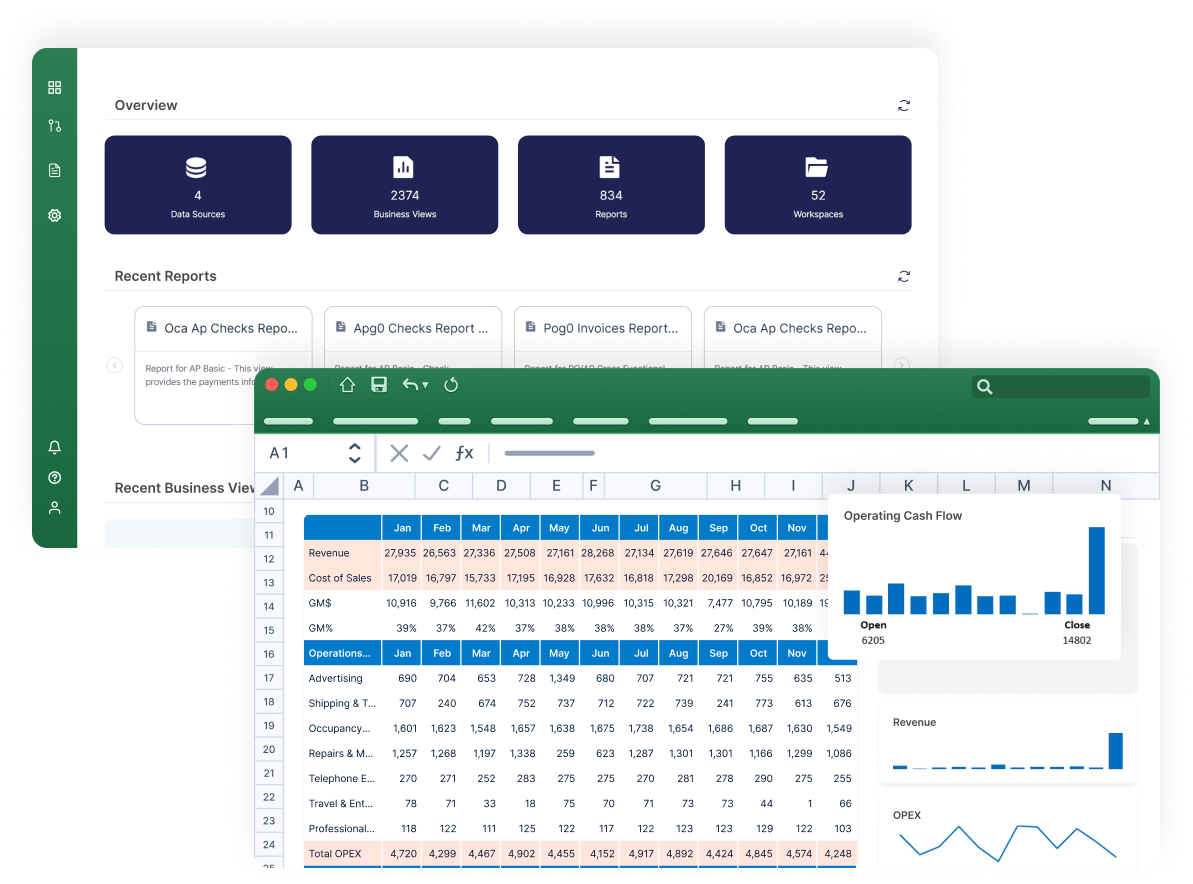
Are You Getting the Most Out of Your Oracle ERP Investment?

Inflexible, Inadequate Reporting Options
When you need custom reports, out-of-the-box reporting solutions are limited. This forces business users to interact with data using a tool they aren’t familiar with, or to manually build views to populate their preferred tool like Excel, Power BI, or Tableau.

Over-Reliance on IT for Access to Reporting Data
Without true self-service capabilities, reporting processes are too slow, rigid, and highly dependent on IT involvement. Empowering users to self-serve frees up IT resources for other strategic initiatives.

Lack of Easy Data Access to Make Decisions
Oracle data models are complex and difficult to integrate with other ERPs, BI tools, and cloud data warehouses. Making changes often requires technical support, including a forced reboot of connected applications.
Oracle Reporting Use Cases
Flexible Reporting from Unified Views of Oracle Data
Integrate, Analyze, Collaborate, and Expand Oracle’s Reach
Working with data spread across different Oracle ERPs, both on-premises and in the cloud, can be a nightmare. It’s hard to get a clear picture, and making changes often requires IT involvement, slowing you down. insightsoftware provides a unified metadata layer across all Oracle sources for faster integration, fewer IT tickets, and consistent insights across every Oracle instance. How insightsoftware can help:
Effortless Data Integration: Seamlessly connect Oracle ERPs, bringing data together in one place.
Simplified Analytics: Forget about complex data models — our tools translate Oracle data into a user-friendly format.
Secure Collaboration: Share reports and data securely across your organization.
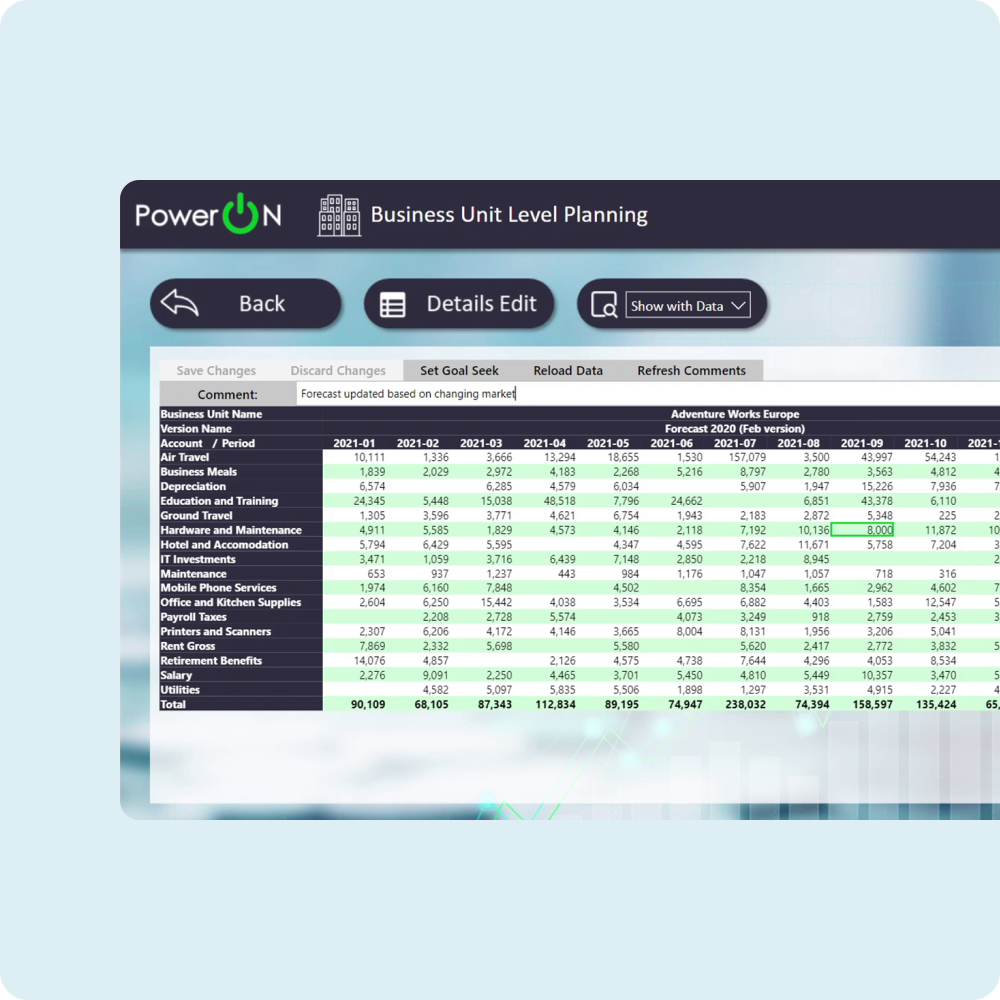
Make Insights from Oracle Directly Available to Business Users
Business users frequently need ad‑hoc reports or dashboards, but can’t build them because of the necessary SQL skills or access to the underlying Oracle schema. insightsoftware tools like Wands for Oracle empower your team to effortlessly create dashboards and reports using shared business views and data from Oracle, without compromising security or data quality. Here’s how insightsoftware helps:
Excel and BI Integration: Access pre-built templates providing speed, flexibility, and ease in data visualization.
Consistent Insights: Dive deeper into data with consistent, up-to-date information and business views, eliminating the need for technical expertise.
Simplified Exploration: Pre-built business views make it simple to explore data, answer questions, and solve complex business problems.
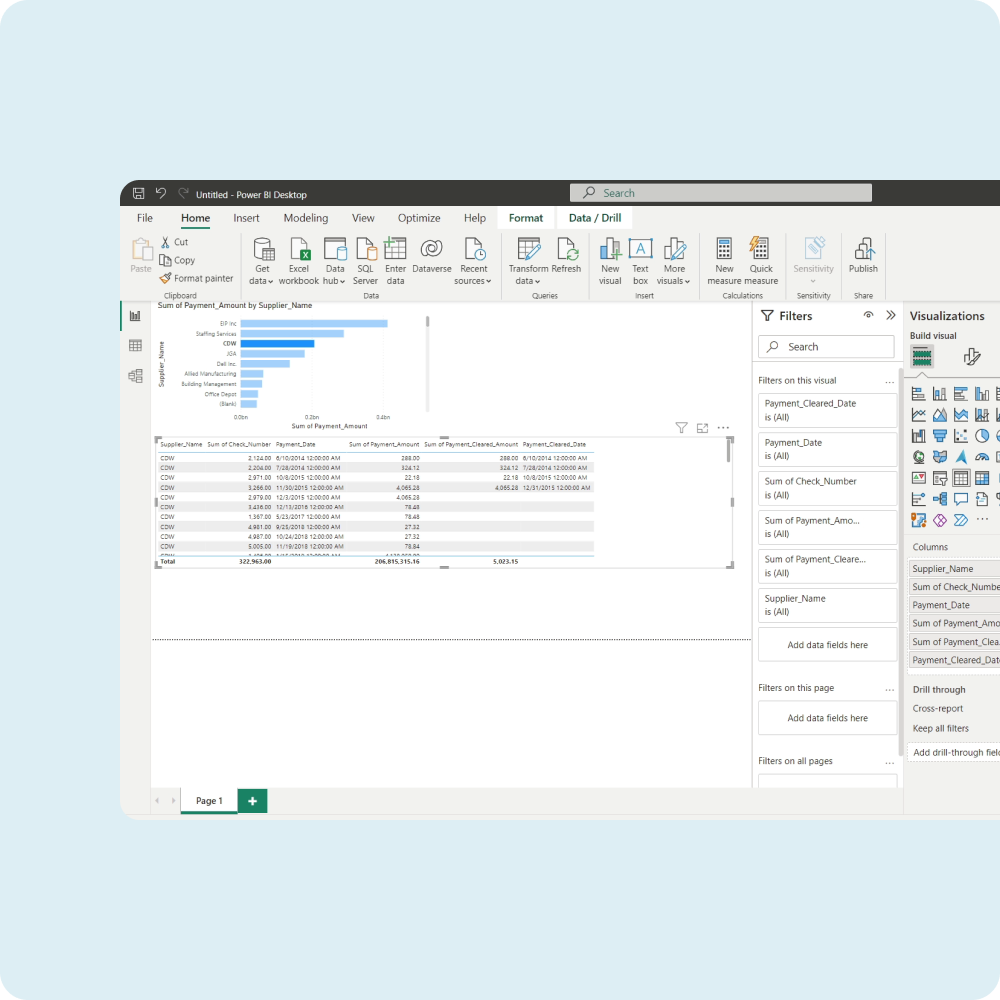
Employ an Enterprise Tool to Keep Up With Enterprise Demand
Tired of wrestling with Excel’s constraints when trying to analyze large volumes of Oracle data? Instead of watching file sizes balloon, formulas sluggishly recalculate, and users hit row-count limits, insightsoftware tools like Wands for Oracle and Spreadsheet Server handle millions of rows, multi‑entity consolidations, and what‑if scenarios while optimizing system performance — all within familiar Excel-based interfaces. How insightsoftware can help:
Scalable Analysis: Effortlessly analyze large volumes of Oracle data with a solution designed for speed, stability, and functionality.
In-Depth Exploration: Unleash the power of our high-performance engine for deep dives and uncovering hidden insights.
Excel Enhancement: Enhance your data analysis capabilities by leveraging a solution tailored to handle the demands of reporting with Oracle data.
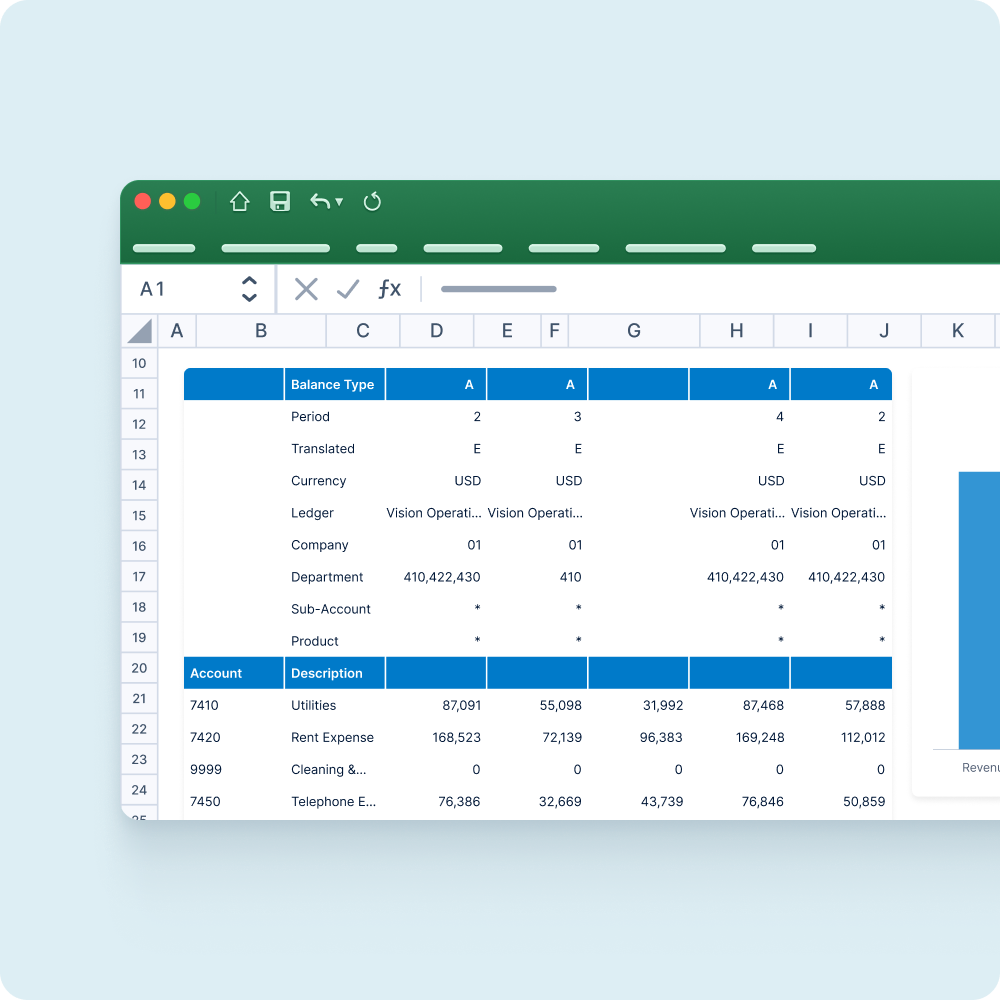
Unleash the Power of Your Oracle ERP Data
Finance teams often know the questions they want answered, but may struggle to iterate fast enough to explore new angles. insightsoftware platforms empower your team to unlock Oracle’s full potential and solve complex business problems independently using hybrid data models and full drill‑through traceability. Here’s how insightsoftware helps:
Break Down Silos: Gain a contextual, process-rich data model that makes it easy to see the bigger picture.
Detailed Drill-Downs: Dive into the details behind the numbers, extracting critical insights and answers to pressing questions, without constraints.
Go Beyond the Surface: Answer your toughest questions with ad hoc queries and drill downs.
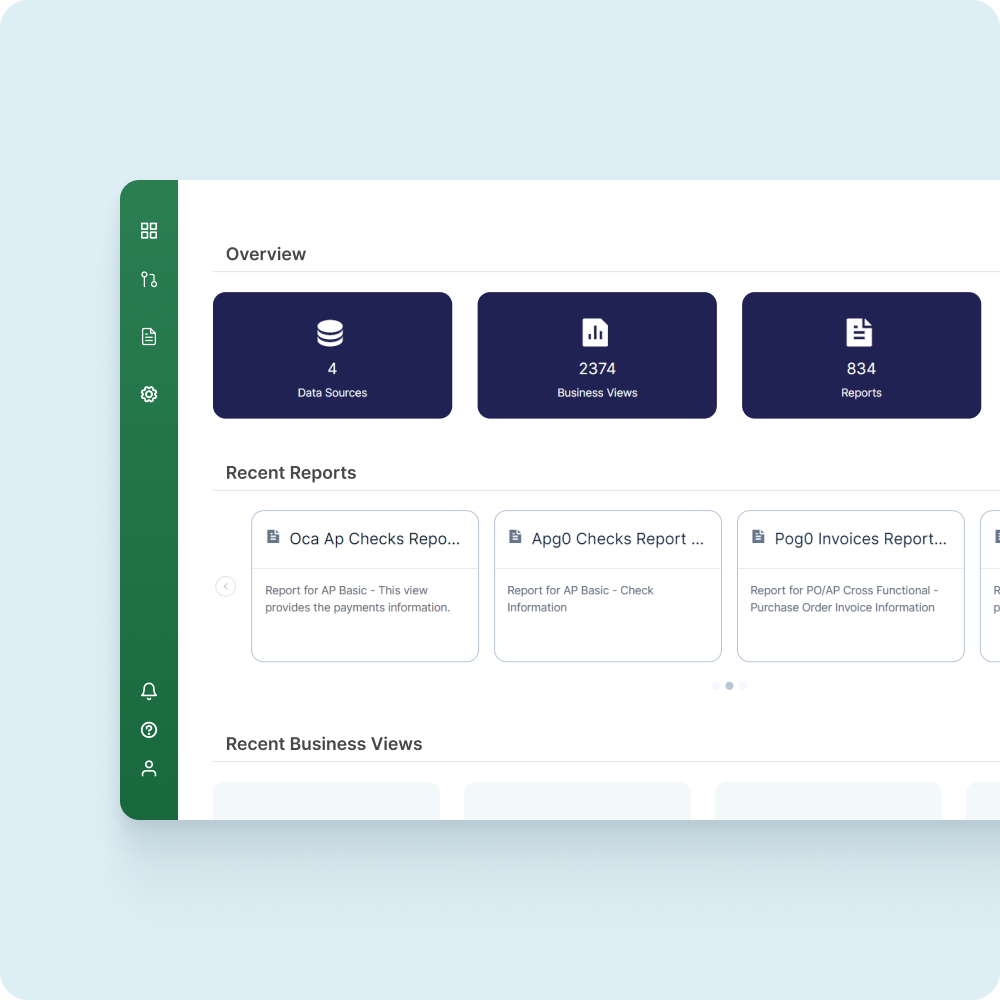
Oracle Reporting Webinars & Resources
Take a look at our upcoming and on-demand webinars packed with handy tips, best practices, and insights for Oracle reporting, brought to you by insightsoftware’s product and solutions experts.


Oracle Reporting FAQs
Why is Oracle so widely used?
Oracle is an incredibly popular ERP and database management system for enterprises. It’s commonly used because of the platform’s robustness, scalability, and ecosystem of other Oracle add-ins and products. This depth and versatility give companies a decent reporting solution, but Oracle still has limitations. insightsoftware platforms like Angles for Oracle, Wands for Oracle, Spreadsheet Server, and Hubble extend Oracle’s power to deliver real-time data connections, more user-friendly interfaces, and enterprise-grade governance.
Is Oracle difficult to use?
Yes. On its own, Oracle can be complex to use, especially for non-technical users and those who aren’t familiar with other products in the Oracle ecosystem. Thankfully, platforms like Hubble, Angles for Oracle, Wands for Oracle, and Spreadsheet Server provide intuitive interfaces with drag-and-drop tools, guided setup wizards, and Excel-based workflows to minimize learning curves. They serve as a valuable layer between Oracle systems and users, making it easier for finance teams to run reports, build dashboards, schedule distributions, and more.
What is Oracle Analytics Server and Cloud?
Oracle Analytics Cloud and Oracle Analytics Server are the popular analytics and visualization platforms sold by Oracle. Analytics Cloud (as the name suggests) is cloud-native, while Analytics Server runs on-premises. Both have similar capabilities, such as governed data models, dashboards, natural language querying, and more. insightsoftware platforms build on this even further, offering pre-built connectors, dozens of industry-specific report templates, and Excel–integrated modules that accelerate delivery and boost user adoption.
What is Oracle data management?
Oracle data management is the umbrella that comprises systems, policies, and processes that collect, store, transform, govern, and secure your ERP data. It includes Oracle’s own tools and relational databases, but also ETL solutions like Simba and Jet Analytics, as well as master data management platforms like Kalido. Our solutions provide a more unified reporting interface that automates and governs data so you can maintain consistency across finance functions.
What is narrative reporting in Oracle?
Financial data on its own only shows a snapshot of the story. Narrative reporting with Oracle data means including business context and qualitative explanations around financial performance to explain the “why” behind results. Effective dashboards and visualizations using tools like Wands for Oracle and Angles for Oracle transform your data into more compelling and engaging stories for enhanced narrative reporting.
What types of reports are available in Oracle?
Oracle includes native support for a variety of report types sorted into interactive grids, interactive reports, classic reports, and reports on form on table. These can be used to make transactional extracts, operational dashboards, financial statements, and more. However, it can be difficult to build these from scratch. Not only do insightsoftware solutions extend Oracle’s capabilities for more advanced reports, but make it easier to get up and running with libraries of pre-built templates.
How can I create reports in Oracle?
There are a handful of different ways to approach this, such as using Oracle BI tools like Oracle Analytics, using Oracle Reports Developer, or trying SQL-based extracts. Thankfully, insightsoftware platforms like Angles for Oracle, Wands for Oracle, and Spreadsheet Server offer an easier alternative. Simply connect Excel or web dashboards directly to live Oracle data, take advantage of our intuitive drag-and-drop design, add drill-downs, and automate/schedule your report distribution with just a few clicks.
How can I reduce the time and manual effort in my Oracle month‑end close?
Time-consuming activities like manual exports, reconciliations, and template updates slow your team down. insightsoftware solutions automate these tasks, centralizing and updating all data so you can rest assured that all team members are working from the same information. Our tools can also distribute reports to stakeholders, refresh dashboards with real-time data, and free up finance teams to focus more on analysis and less on tedious manual tasks.
Can I deliver Oracle reports to non‑technical users without giving them direct access to Oracle?
Yes. insightsoftware solutions allow you to export either live or static outputs. This means you can share interactive dashboards just as easily as static PDF reports or Excel files, distributing them via secure channels like email, SharePoint, or web portals. You can also apply row-level security, control refresh schedules, and hide Oracle complexity behind familiar Microsoft Office interfaces.
How do I combine data from Oracle with external sources?
You likely don’t keep 100% of your business data in Oracle — but it isn’t always straightforward to join Oracle data with Excel budgets, CSV exports, and other external data sources. Our software facilitates data-blending and linked workbooks so you can join live, real-time Oracle data with your external datasets. insightsoftware tools support multi-source models and allow users to refresh budgets, forecasts, or CSV imports alongside official Oracle balances. This creates a single, unified financial picture for more efficient analysis.
How do insightsoftware solutions improve Oracle reporting?
insightsoftware platforms like Hubble, Spreadsheet Server, Angles for Oracle, and Wands for Oracle all enhance Oracle reporting by delivering:
- Live, governed connections from Excel, web, or PowerPoint
- Prebuilt templates for financial statements, dashboards, month-end packs, and more
- Automated and scheduled refreshes that notify stakeholders
- Self-service UX with drag-and-drop tools, drill-downs, and ad hoc queries
- Version control and audit trails for collaborative development with rollback
- Excel-first approach that combines user-friendly design with analytical flexibility
- Hybrid data blending to seamlessly merge Oracle and non-Oracle data