
SAP Business One Reporting, BI, and Analytics


Easier Financial Reporting, BI, and Analytics Software Solutions for SAP Business One Data

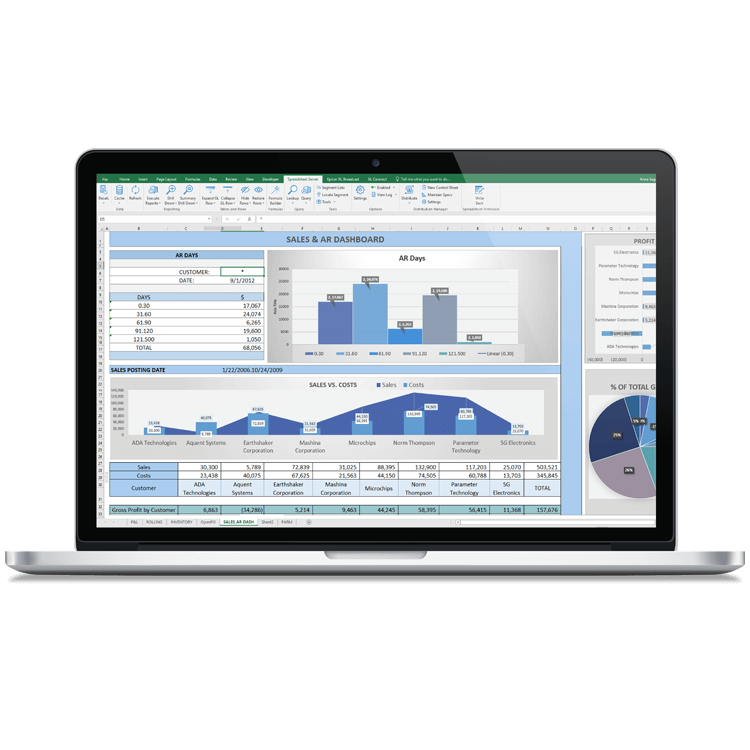
Does Reporting on the Financial Details of Your SAP Business One Data Require Exporting to Excel?
Preparing Ad Hoc Reports is Difficult and Relies on IT Skills
Finance teams frequently need to query SAP Business One data to answer ad hoc questions. However, SAP B1 data structures are complex, understanding them requires significant expertise, and modifying existing reports or creating your own requires SQL or Crystal Reports. This leaves finance teams dependent on scarce IT skills to create and modify reports, resulting in delays and frustration.

Out-of-the-Box Reports are Too Inflexible for Finance
Finance and accounting teams need to report and drill across multiple dimensions from the Financials. You want to see the full picture of your business performance and need to access data from multiple systems, whether it’s other SAP B1 modules or separate business systems. Such data groupings are difficult to create with the native SAP B1 tools.

Accelerate Common Report Creation Processes
When you’re looking to spend more time on value-added analysis, you need to find new ways to increase your productivity, replacing manual processes like exporting to spreadsheets, flipping between Excel and SAP B1 to validate data, and formatting reports.
Products
View Recommended Products
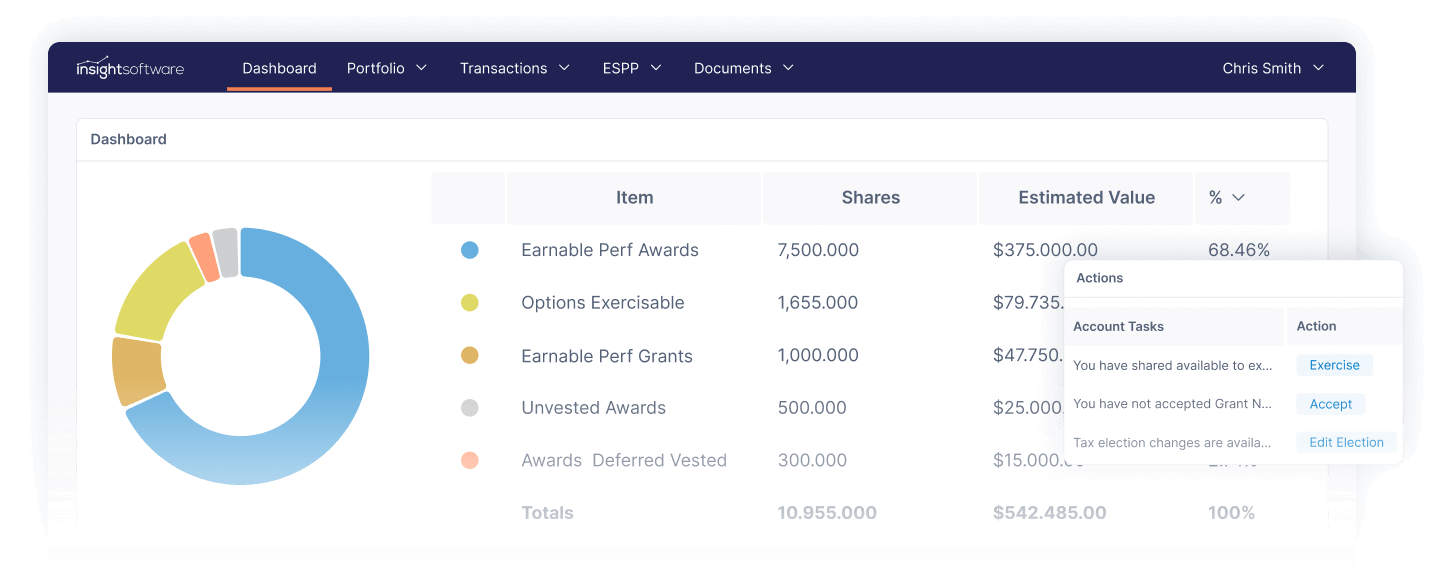
Equity Management
Certent Equity Management offers a simplified web platform for public and private companies with calculations and reporting for SEC, FASB, and IFRS.
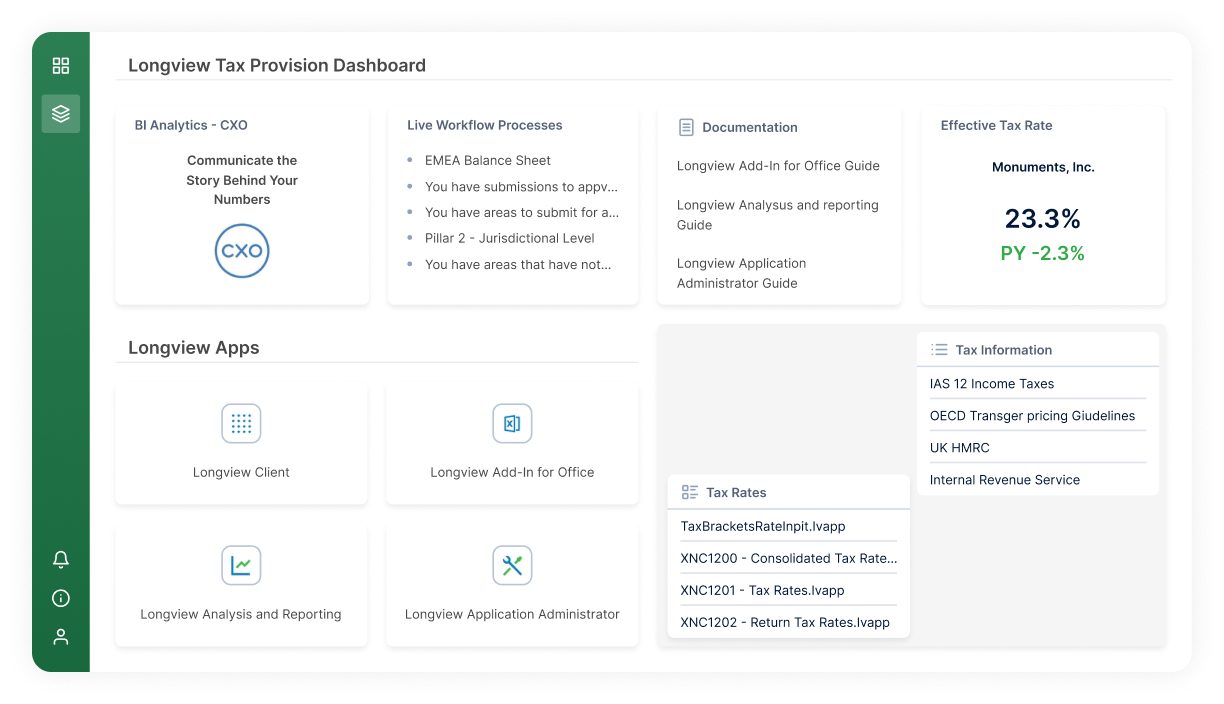
Tax management, CbCR & BEPS Pillar 2
Longview Tax enables more frequent reporting, better tax forecasting, and faster responses to ad-hoc queries improving visibility and governance.
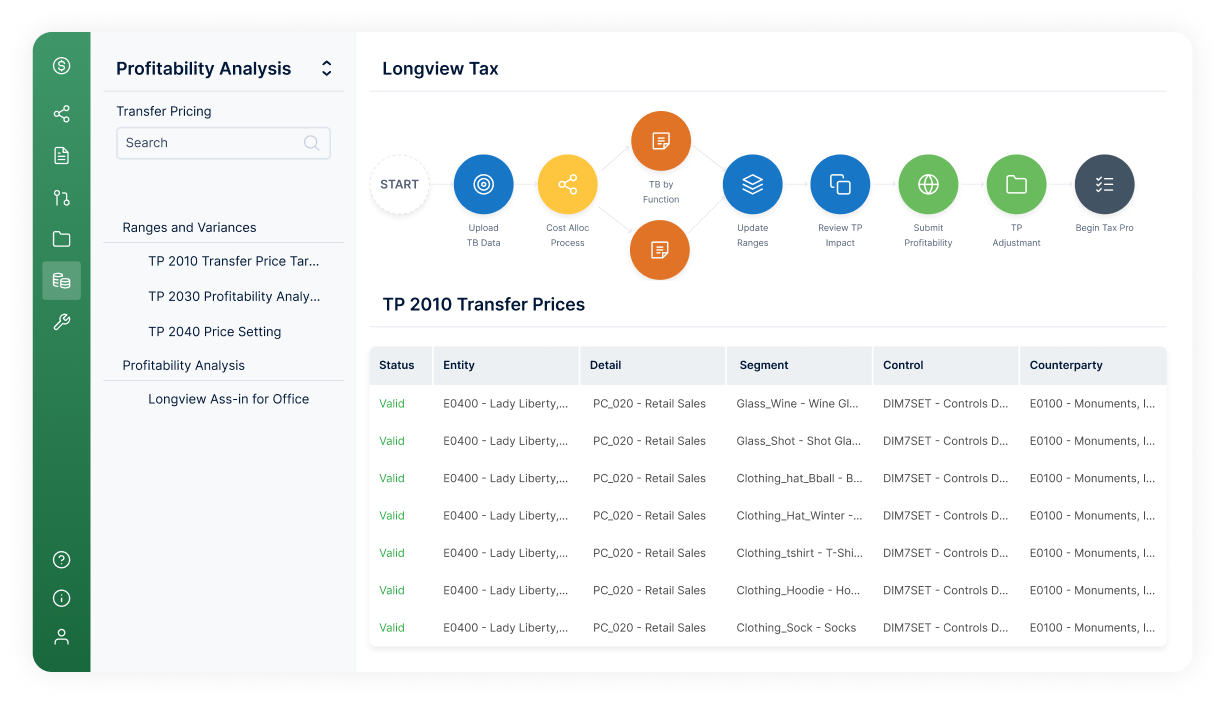
Monitor transfer pricing execution
Longview Transfer Pricing connects your enterprise strategy and tax policy with transfer pricing execution, enabling modernization with lower risk.
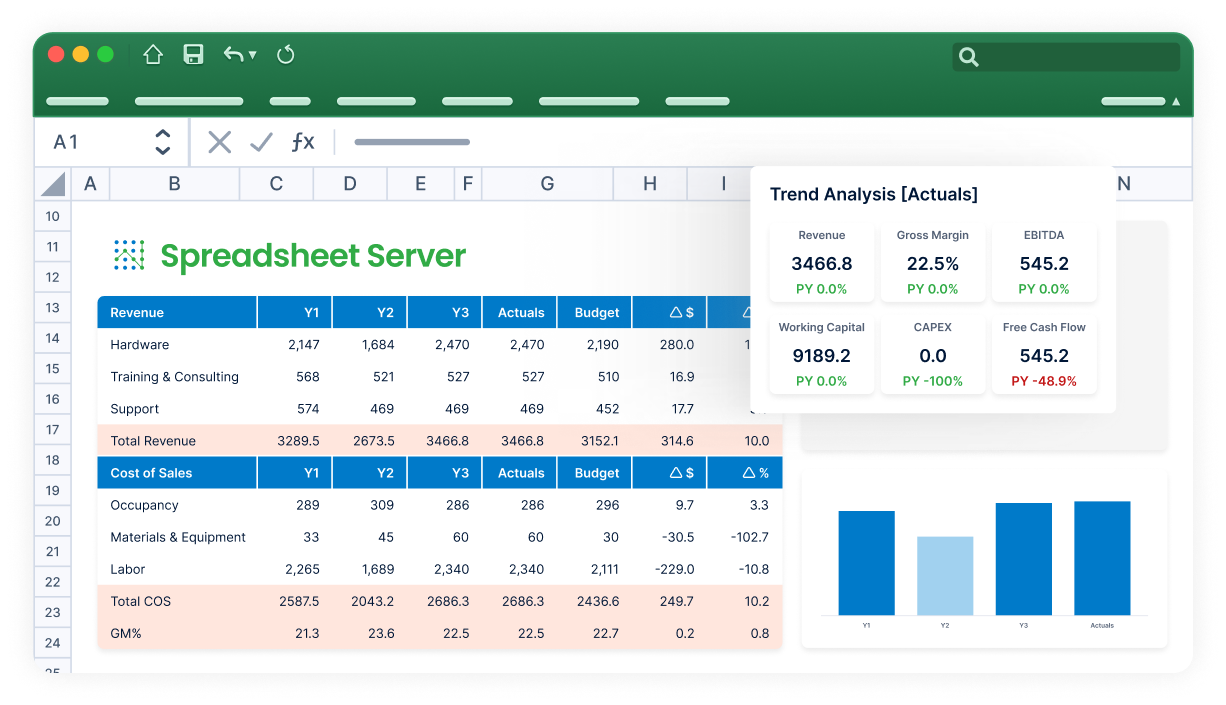
Reporting Intelligence
Intelligence that lives inside your financial reports and ERP data. Works with Excel and Excel Online with autonomous AI that monitors your KPIs around the clock.
Put Business Users in Control of Their SAP Business One Reporting
Empower Business Users to Create Refreshable Reports
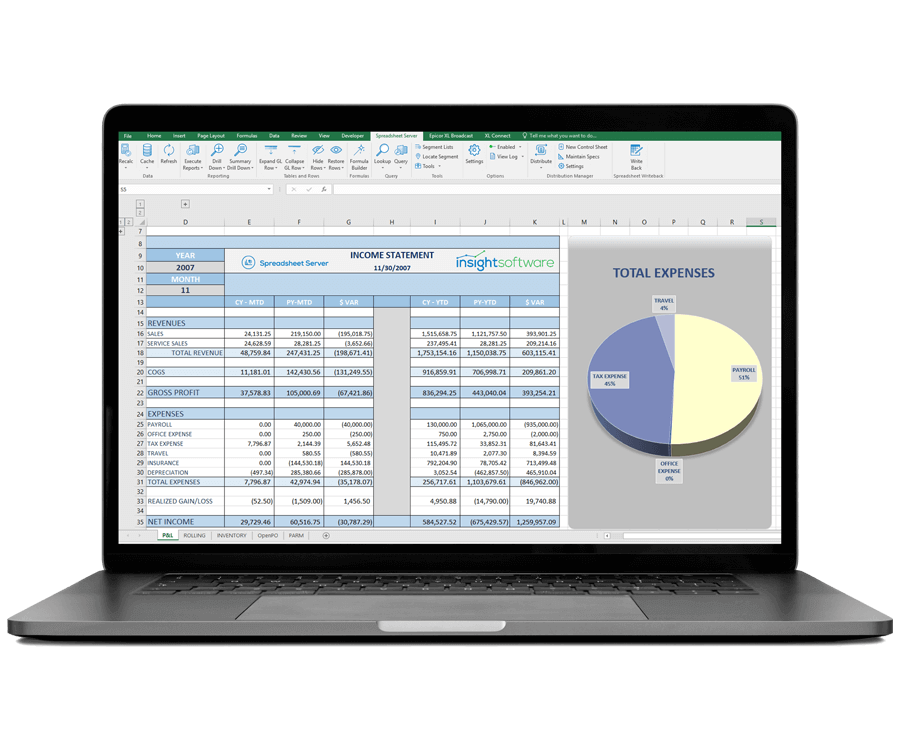
Remove your IT dependency. Empower business users to create their own refreshable and drillable reports, with flexible layouts, against SAP Business One. Built-in understanding of SAP B1 data and financial intelligence combine to present business users with an intuitive interface in which they can create custom reports, in minutes, without requiring technical knowledge.
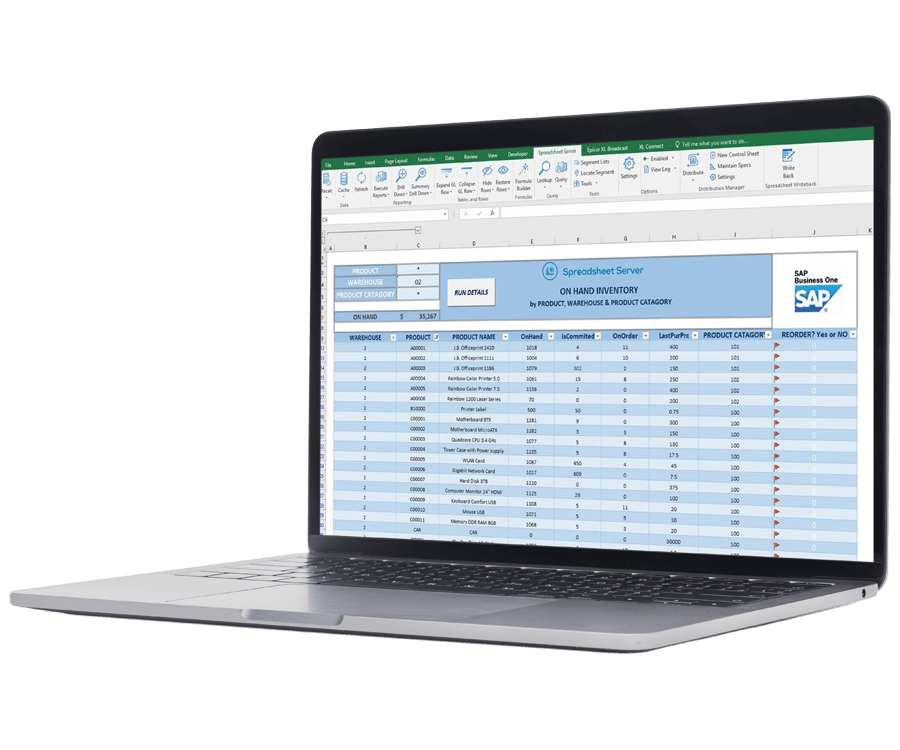
Tackle All of Your SAP Business One Financial and Operational Reporting Needs
Access real-time data to support month-end closing needs and cost control. Create accurate, up-to-date, consolidated reports across multiple modules and data sources. Refresh period-on-period analysis reports in seconds without relying on stale data exports. Format income statements, balance sheets, and other reports exactly how you want. Report against fields from different modules and drill into combined data for more insightful financial and operational reporting.
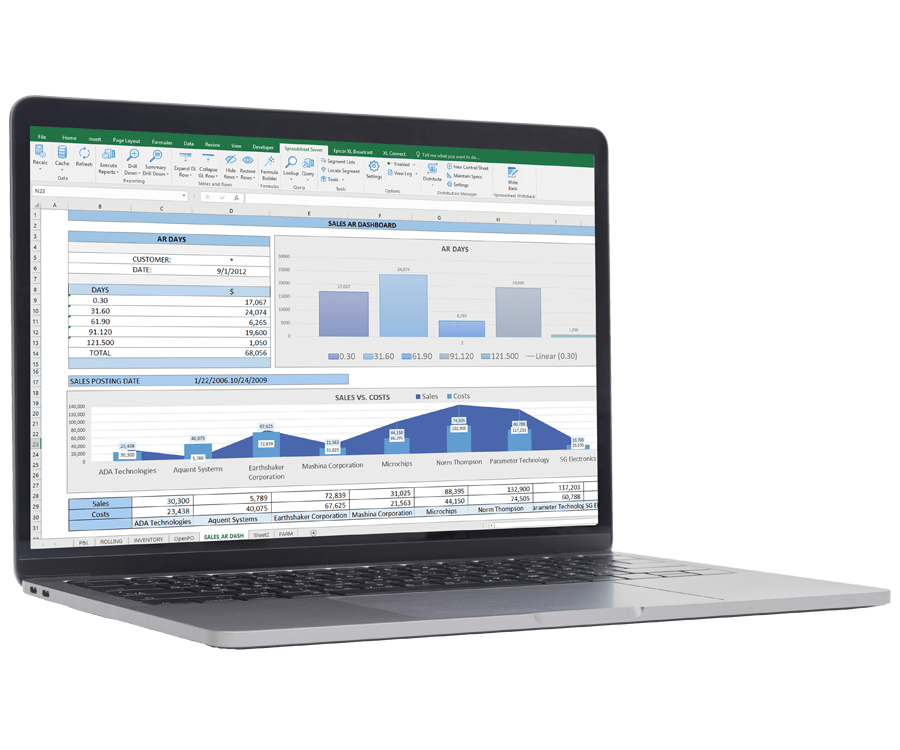
Reduce the Effort Required to Prepare Analysis and Reports
Shrink reporting cycles by enabling business users to build refreshable reports using easy-to-configure, pre-built templates, or by creating a custom report in minutes. Eliminate the need for time-consuming manual data exports to Excel pivot tables. Refresh reports and run ad hoc account inquiries at any time during the month for interim reporting or to investigate variances on an ongoing basis, not just at month end. Speed up analysis with live drilldowns from summary data to transaction level to identify and resolve reconciliation and data integrity issues.
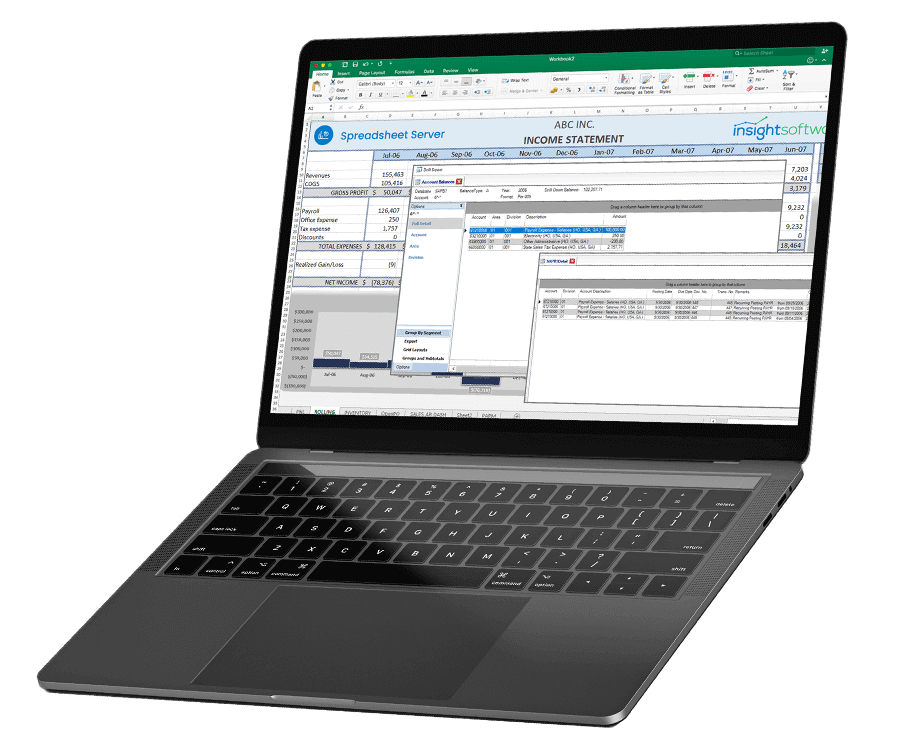
See Results Fast
Enjoy a quick win for finance with rapid installation and fast user adoption, thanks to an intuitive user interface, easy data integration, tight integration with SAP B1 security, and self-help systems that enable business users to start answering questions and building reports from day one.

How to Compare SAP B1 Reporting and BI Solutions
Reporting and Business Intelligence (BI) solutions begin and end with data—not just how the data are collected, but also how they are stored, organized, and accessed. With a saturated market full of solutions to choose from, you need to have a clear understanding of your data needs before you start comparing your options. In this whitepaper, you will learn:
What to look for in reporting and/or BI software
Why a reporting and BI solution is essential for growth
How to avoid reporting and BI solution implementation failure
To assist with your software selection process and help you find a solution that fits your current ERP system and IT infrastructure, we have also created a framework for evaluating third-party solutions. You need to have a clear understanding of your data needs before you start comparing your options.


“Spreadsheet Server allows us to do a one-pass distribution for all the companies, all the call centers, and was able to deliver those reports in a timely fashion.”
Jon VanderMaarl
Corporate Planning Manager
Isuzu North America
Work with Reporting Software Purpose-Built for Handling SAP Business One Data
Related Resources


Video
Leveraging Excel in Ad Hoc Reporting to Empower Business Agility
Watch this 10-minute video to learn how the power of Excel can be combined with SAP Business One to improve…
Watch Now
On-Demand Webinar
Connected SAP B1 Reporting to Save Time and Improve Accuracy
Frustrated with time-consuming processes and inaccuracies in your #SAPB1 reports? Join us on August 11 for our webinar in which…
Watch Now
Customer Story
Team Power Solutions Case Study
Team Power Solutions Creates Manufacturing Revenue Reports in Minutes With Spreadsheet Server
Read More